CollectiveTap

The fastest way
to coordinate.

Create an Event, Vote, List, Note, Task, Split, or shared Sheet and drop one link into your chat. People participate instantly — no accounts, no installs.

No accounts Chat-native Instant previews

Tools

Pick a tool, share one link, and collaborate in real time.

Hub

Combine tools into
one shared space.

Hub lets you group Events, Votes, Tasks, Lists, and Sheets into a single link. Share once. Coordinate everything.

How groups use CollectiveTap

Real coordination flows, not just single-purpose forms.

Each workflow starts with one link, then grows naturally into a shared coordination space with Hub.

Weekend trip planning

Keep the whole plan in one shared Hub.

Use Event for availability, Vote for the final date, and Split for shared costs so the group can coordinate without juggling multiple apps.

📅 Event 🗳️ Vote 💵 Split 🏠 Hub
Volunteer coordination

Move from signup to follow-through.

Share an Event for shift coverage, add Tasks for setup and follow-up, and keep the full plan visible in one place for everyone helping out.

📅 Event ✅ Task 📝 List 🏠 Hub
Lightweight team planning

Decide, document, and keep progress visible.

Use Vote for decisions, Sheet for a simple working table, and Note for shared context when a full project stack would be too heavy.

🗳️ Vote 📊 Sheet 🗒️ Note 🏠 Hub
How it works

1
Create
Pick a tool and enter details.
2
Share
Drop the link into any chat.
3
Collaborate
Everyone joins instantly. No login.

FAQ

Quick answers about how CollectiveTap links work.

What is a CollectiveTap link?
A CollectiveTap link opens a lightweight shared tool (Event, Vote, List, Note, Task, Split, or Sheet) that anyone can use instantly. The link is the "container" — you create it once, then share it in any chat.
Do people need an account or app?
No. Anyone with the link can participate in a browser — no installs, no login.
What happens when I drop the link into a group chat?
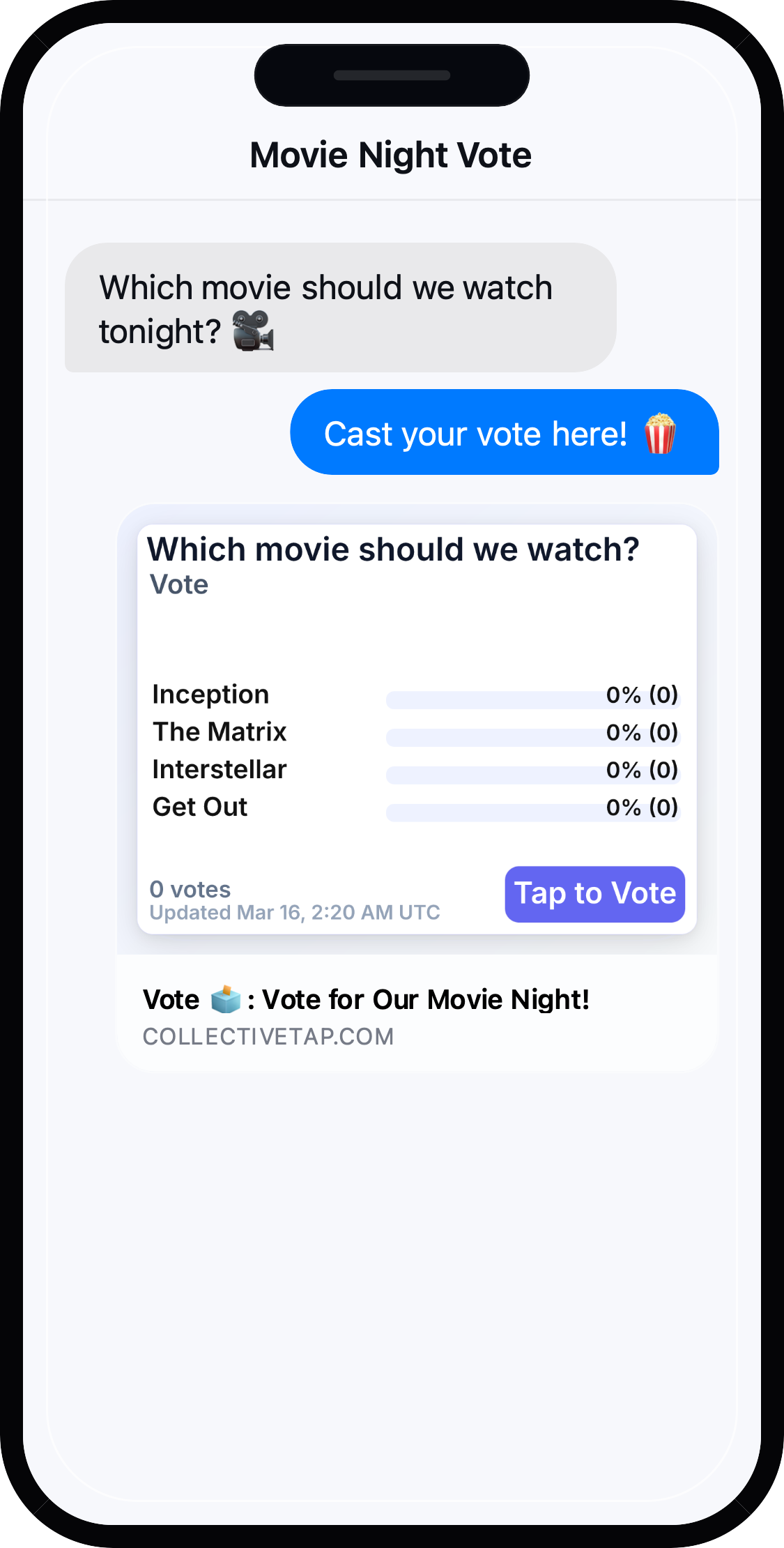
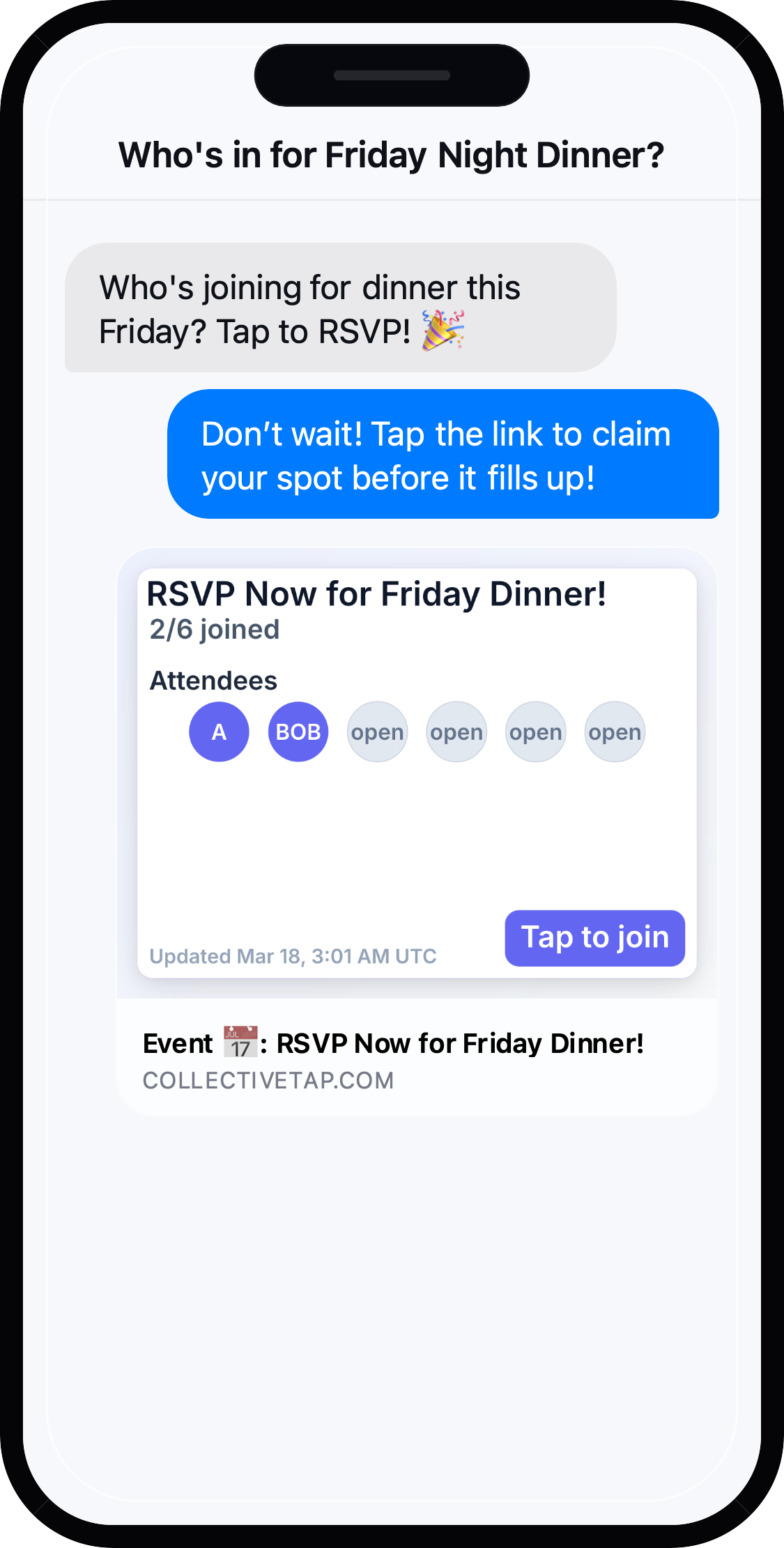
People see a preview and can tap to join. As the group participates, the page updates for everyone. Many chats also refresh the link preview over time, so it stays informative.
Who can edit or manage the link?
The creator gets an admin link (keep it private). Participants use the share link. If you have the admin link, you can update details after sharing.
Can I change details after I share it?
Yes — if you have the admin link, you can edit the details and the updated version is what others see.
Can I limit who can access it?
CollectiveTap is share-by-link: anyone with the link can access it. If something is sensitive, don't post the link publicly.
Does it expire?
Not by default. If you need a link to stop being usable, delete it (or rotate to a new link) and share the new one.
What data do you store?
Only the tool data needed to run the link (for example: slot selections, votes, list items, note text, tasks, split expenses, payments, or sheet cells). We don't require accounts, and we don't need your contacts.
Is it private?
It's private in the same way any shared link is: treat it like a group-chat invite. For sensitive information, use a different workflow.