Dinner invite —
as many seats as the table has
A dinner is a headcount problem with a deadline attached: the restaurant wants a number and the table has a size. This kind sets the cap to the table, lets each guest bring one, and takes a waitlist for the friend who sees the message at midnight.
What the group sees
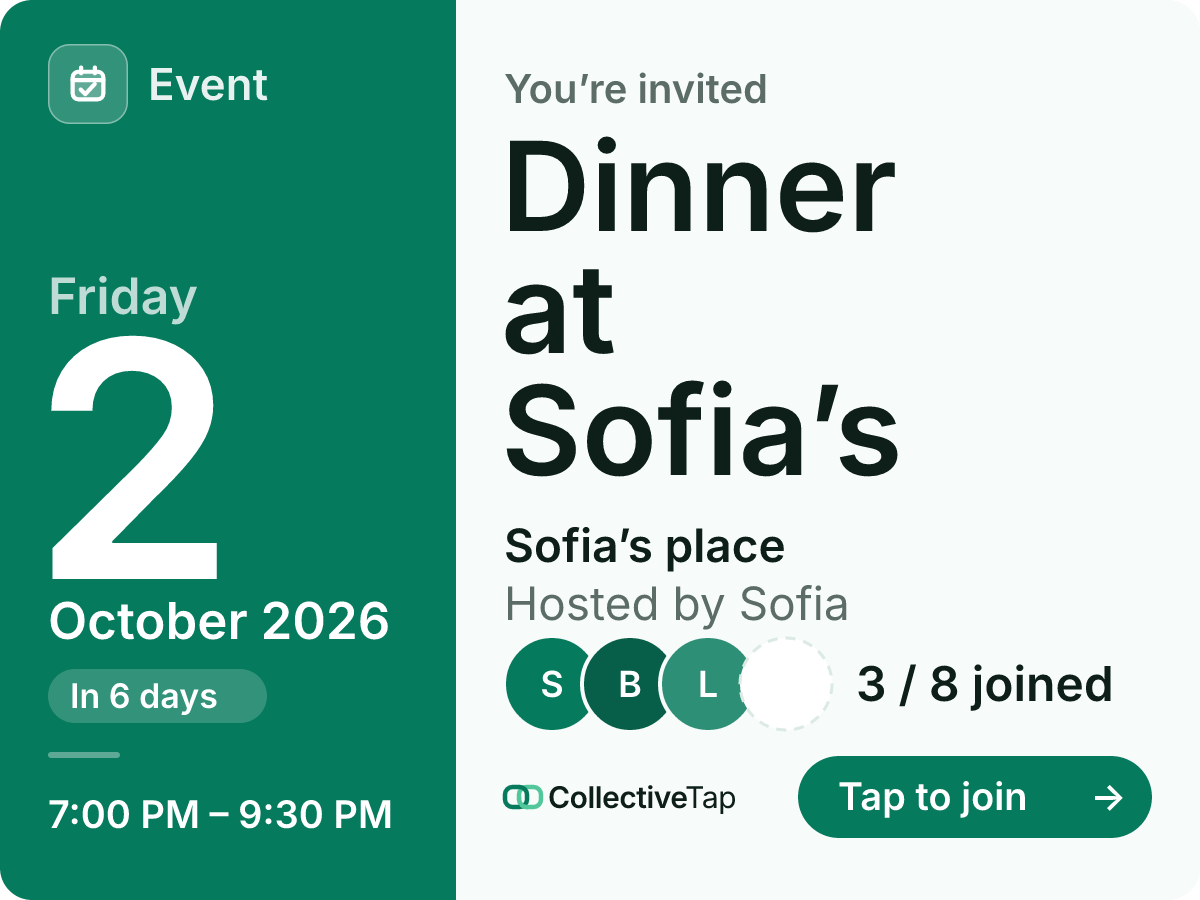
Pick Dinner and the event caps at eight, allows a single plus-one and opens a waitlist when the table is full. Type the restaurant and the time, and the card shows who is coming as initials with the seats left. The page adds a Map link under the address and a calendar button with the real end time.
- One tap to join
- 8 spots
- Waitlist
- Up to 1 plus-one
- 2.5 hours
- Invite card layout
Everyone taps once to hold a seat. If a guest brings someone, the plus-one counts toward the eight, so the reservation never grows past what you told the restaurant. Change your mind on the page, and the seat frees for the next name on the waitlist.
How to set it up
Eight seats, one plus-one each, a waitlist. Set the cap to your reservation.
The address becomes a Map link on the page; the time sets the calendar invite.
Guests hold a seat with one tap. Re-share and the card shows the current table.
What it does for you
Plus-ones count toward the cap, so the number you gave the host is the number that shows up.
The waitlist keeps them in order and seats them when a plan changes.
Open in Maps and Add to calendar sit under the details; nobody asks for the address twice.
Dinner FAQ
Can I make it Yes / Maybe / No instead of one tap?
Yes. Switch “How people respond” on the creator; a dinner usually wants a firm count, so one tap is the default.
What does the calendar invite contain?
The title, the address, the start and end you set, and the invite link, so a guest can find the page again from their calendar.
Can I hide who is coming?
Turn on Hide attendee names and the card shows only the count.
Make a dinner link.
Free, no account, one link for the group.
Make one like this →