Free Event RSVP Link —
No Account Needed
Set up an event, share one link in your group chat. People tap to reserve a spot in seconds. No sign-up form, no app, no friction.
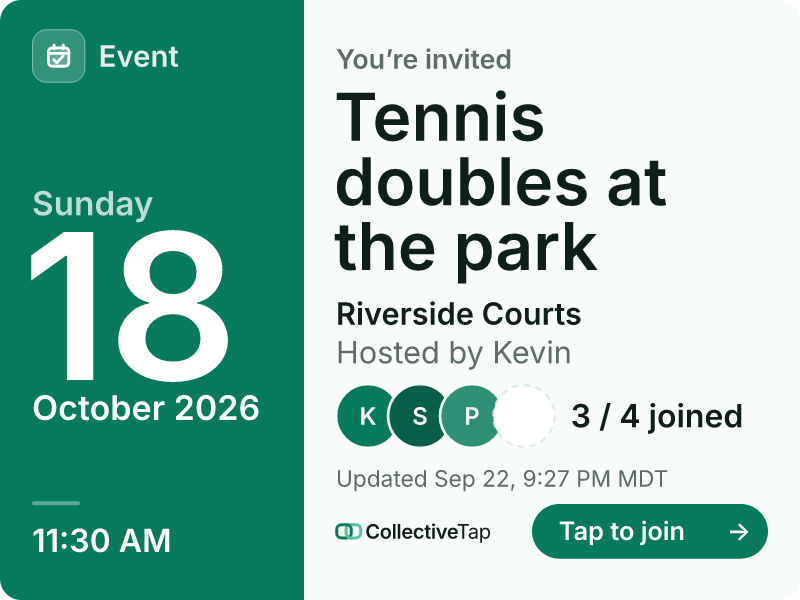
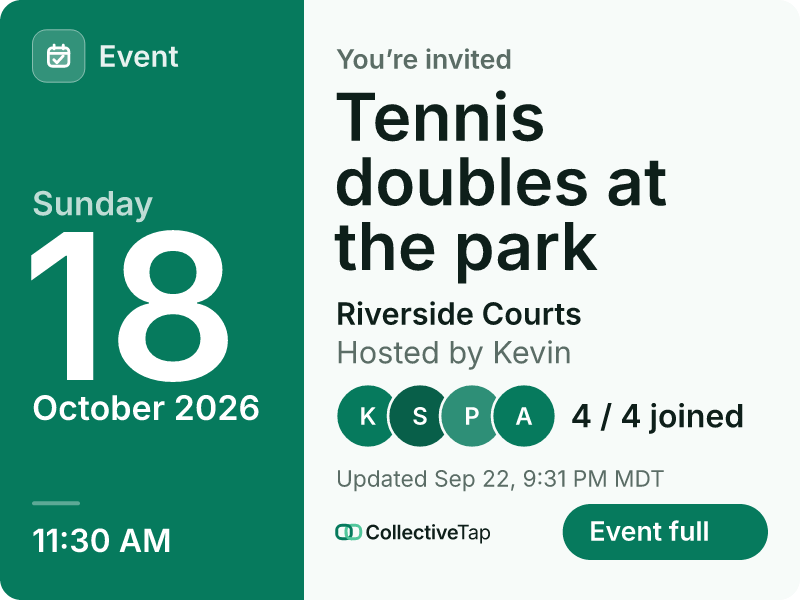
EventShare the link once. It unfurls into a live card.
How SlotLink works
From idea to shareable RSVP link in under a minute.
Give it a title, date, time, location, and the number of spots available.
Drop the link in any group chat. It renders as a preview card showing the event details and available spots.
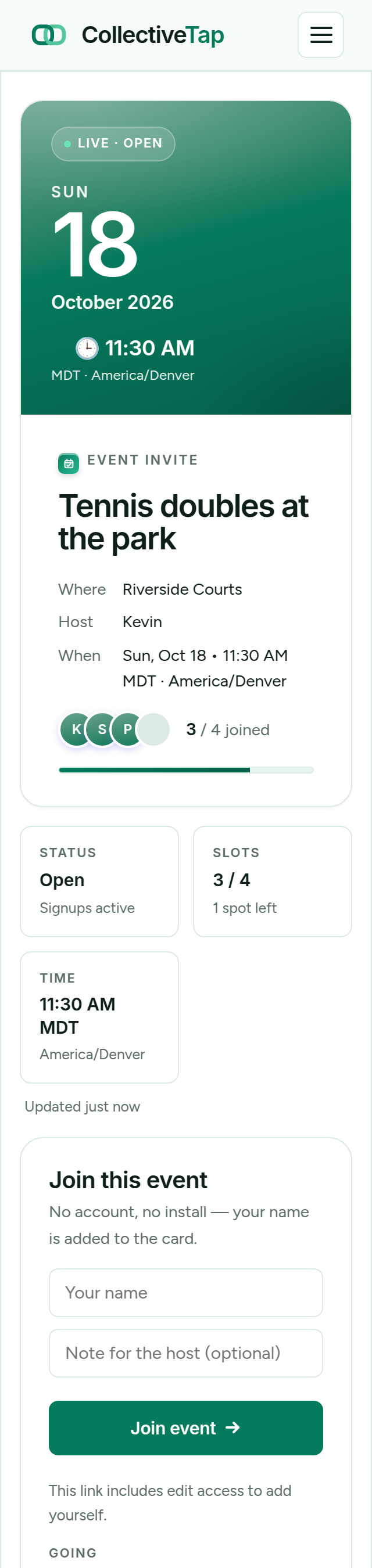
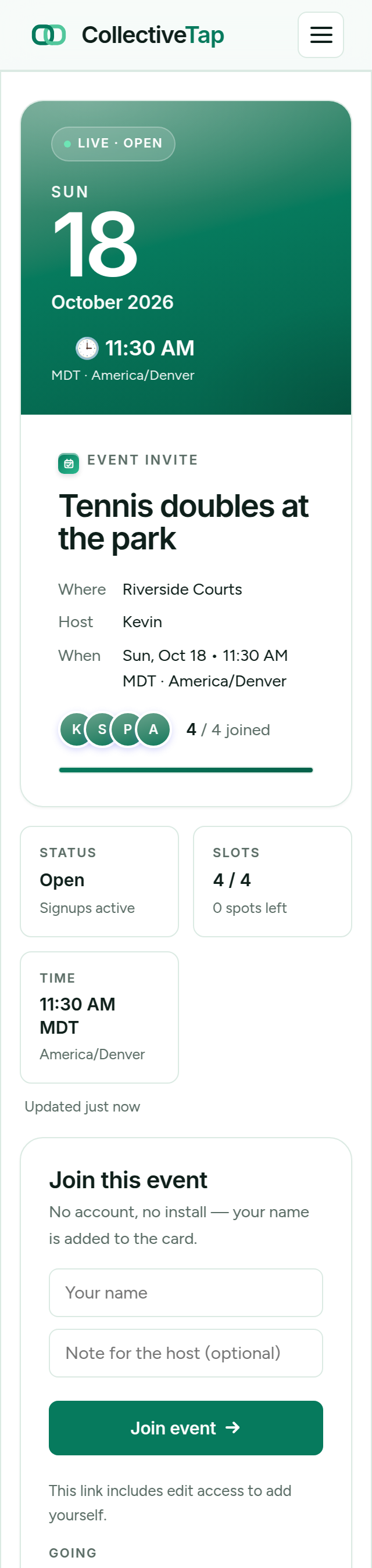
Attendees tap to claim a slot. The preview card updates as spots fill. Your admin link shows the full attendee list.
Who uses event RSVP links
Any situation where you need to know who's coming — without building a form.
Set 12 spots for Saturday basketball. Drop the link in the group chat and let people claim their slots as soon as they're free.
Collect headcounts for food planning. Share in a WhatsApp group — everyone RSVPs without needing any account.
Cap the group at the restaurant's table limit. Anyone who misses the Slack message can still join if spots remain.
Share a link with a defined cap. The first N people to tap in are confirmed. No spreadsheet, no back-and-forth DMs.
Run limited-seat workshops or tutoring sessions. Students RSVP instantly from a shared link — no Eventbrite, no Google Form.
Post one link per shift in your volunteer channel. People claim spots immediately — you see the list in real time.
Better than a Google Form. Simpler than Eventbrite.
No account creation, no email confirmation, no app download. Tap the link, claim a spot, done.
The link renders as a rich preview card in iMessage, WhatsApp, Telegram, Slack, and Instagram DMs automatically.
Your private admin link lets you see attendees, close sign-ups, or reopen spots — without any account or password.
See how many opened the invite, and how many signed up.
The organizer link for every event includes Link Insights: opens, preview loads, sign-ups, and the chats they arrived from. How Link Insights works →
Forty opens and six sign-ups tells you the date works but people are waiting. Six opens tells you to post the link again.
A per-day chart shows whether interest is still climbing the week before or has already flattened, so you can decide when to close the list.
Facebook group, family iMessage thread, or the team Slack: Insights show which channel brought people in, as counts only.
Frequently asked questions
Do attendees need to create an account to RSVP?
How many people can RSVP to a SlotLink event?
Can I share the RSVP link in a group chat?
What happens when the event is full?
Is SlotLink free to use?
Ready to collect RSVPs?
Create your event link in under a minute. Share it in any group chat.
Create free RSVP link →