Shareable Poll Link
for Group Decisions
Pick one, pick several, find a date, rank or rate. Create the poll in seconds, drop the link in any chat, and everyone votes on the page it opens, no account, no Google Forms, no Doodle sign-up. The chat card shows who is leading, and a repeated link shows the latest results.
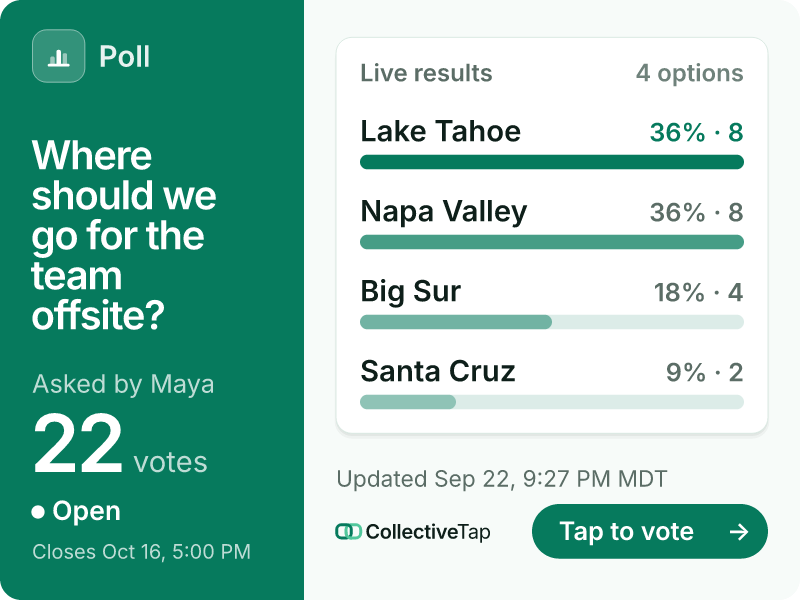
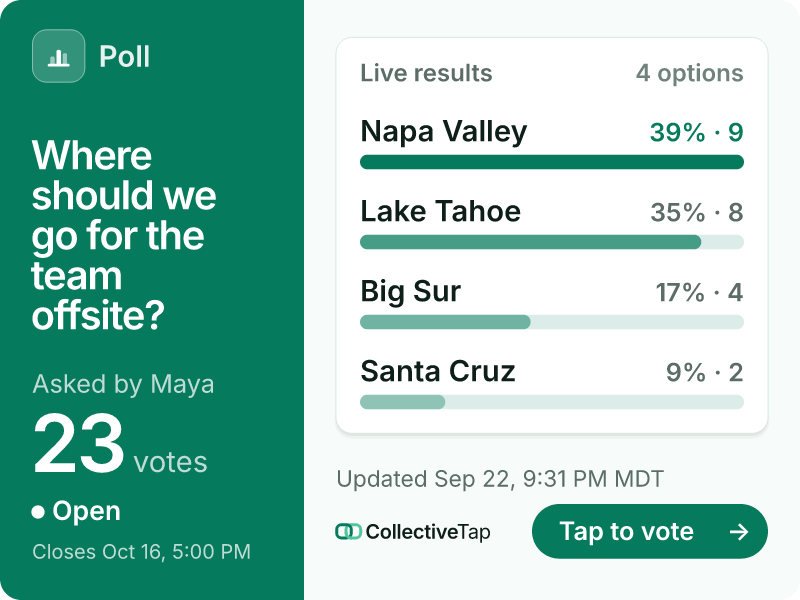
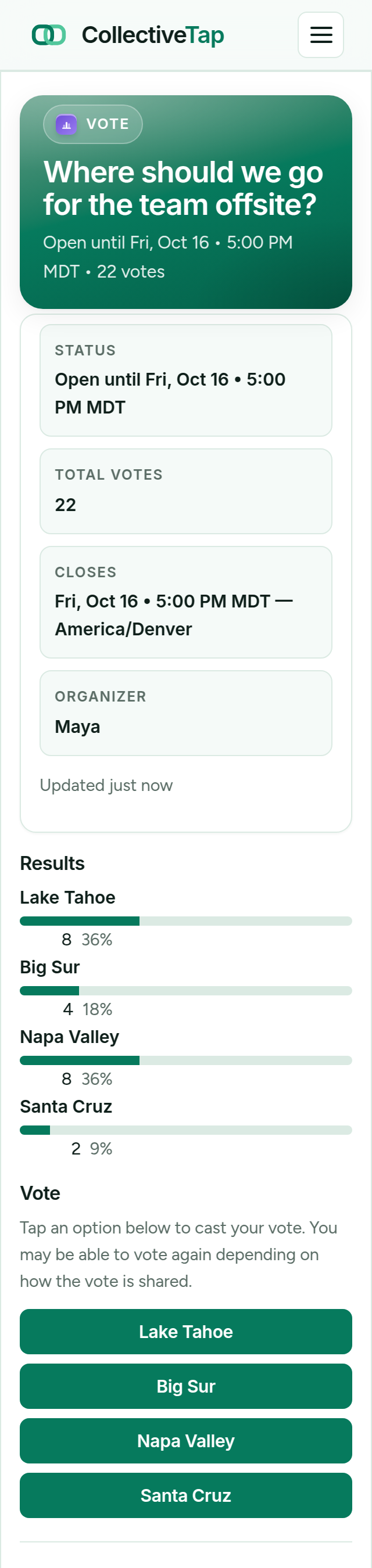
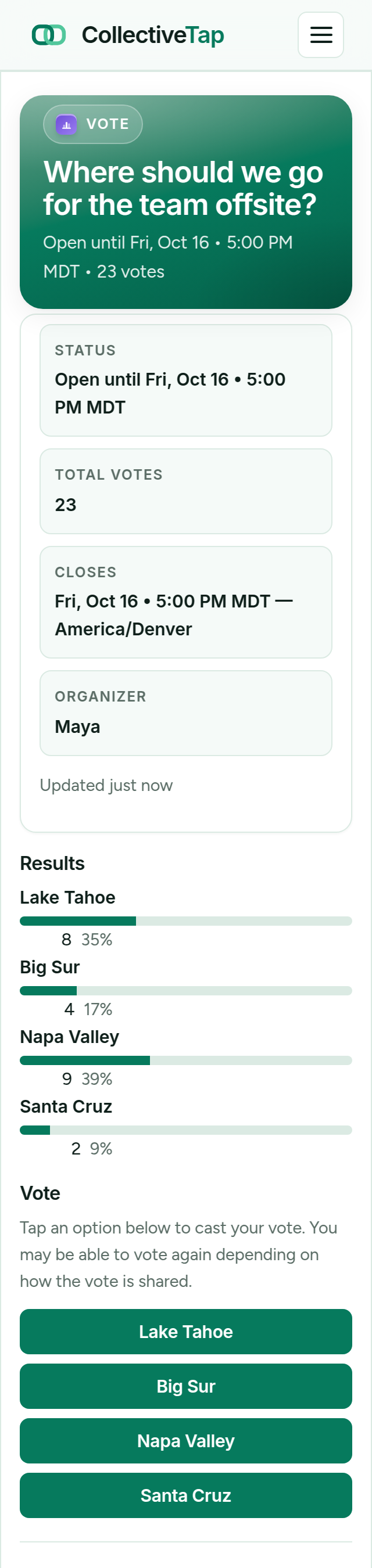
VoteShare the link once. It unfurls into a live card.
Results that read at chat size
Big tiles for a close race, bars with every share, a podium once it is decided, or a strip of dates when you are finding a time. Pick any of 15 looks and a colour, and the card and the page change together. Here is the same offsite vote four more ways.
-
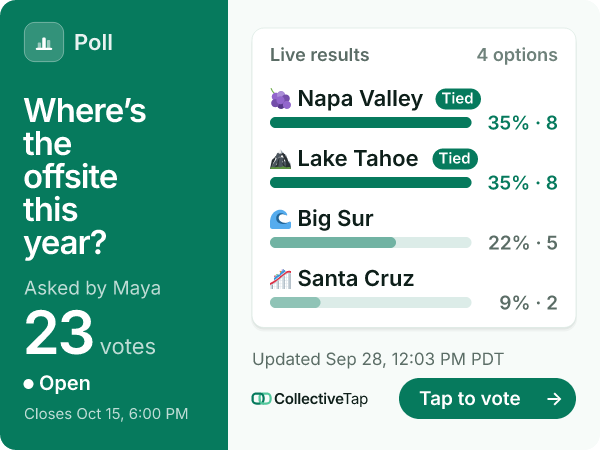
Classic look · Bars layout · Emerald
Every option with its share, the leader tagged.
-
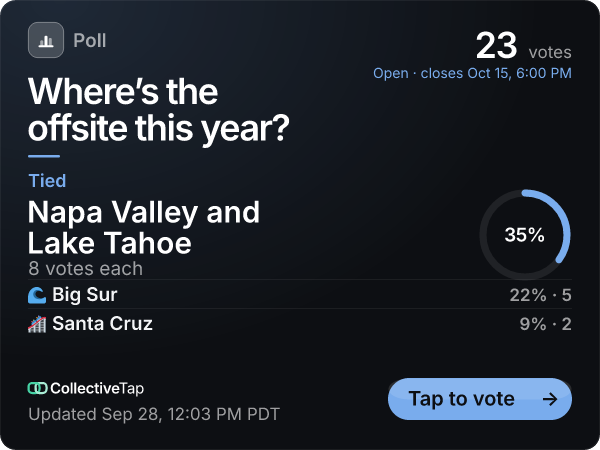
Dark look · Podium layout · Blue
The leader at title size, with its share.
-
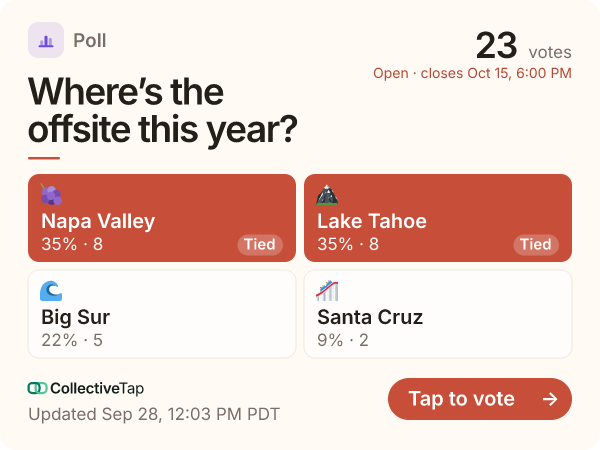
Warm look · Tiles layout · Coral
One tile per option, the leader filled in.
-
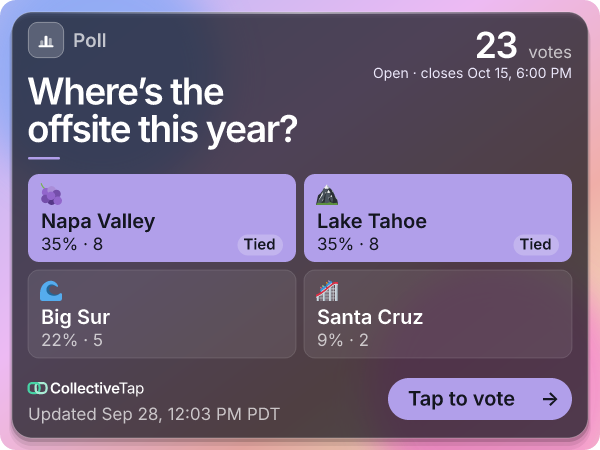
Vision look · Tiles layout · Violet
The same tiles on smoked glass.
How VoteLink works
A live group poll from question to results in under 60 seconds.
Add your question and options, or pick a template. Choose the kind of poll: pick one, pick several, yes or no, find a date, rank the options or rate them. Decide whether voting is anonymous or named and when it closes.
Paste the link in your chat. It previews as a card showing the question and a live vote tally.
Votes appear in real time. Close the poll when you have enough responses — or leave it open.
Who uses shareable poll links
Any situation where you need a group decision without the back-and-forth.
Stop the endless "I don't mind" replies. Share a poll with three options and let the group decide in minutes.
Drop a VoteLink in Slack. Teammates vote without leaving the conversation — results are right there in the chat preview.
Add 3–5 date options and share with your group. Way faster than a Doodle poll that requires sign-in.
Vote on uniform colours, league formats, or next season's schedule. Post the link, collect consensus, move on.
Run a fast check-in or preference survey. Students tap to respond — no learning management system needed.
Send a poll to the family group chat. Even less tech-savvy relatives can vote with a single tap.
Faster than Doodle. No Google account required.
No one has to create a Doodle account or sign into Google. The link is the app — tap, vote, done.
The preview card shows the live vote count right in the conversation. No one needs to open a separate tab.
Open or close the poll, see individual votes (if not anonymous), or reset results from your private admin link.
Know whether the group actually voted.
Every VoteLink admin link includes Link Insights, so you can tell the difference between a poll everyone saw and a poll everyone answered. How Link Insights works →
Twelve views and two votes means the question was unclear or nobody cared. Twelve views and eleven votes means you have your answer.
The activity timeline shows the burst when you first posted the poll and the second bump when someone forwarded it to the other group chat.
See whether the votes came in from WhatsApp, Slack, or a copied link, without ever learning who cast them.
Frequently asked questions
Do people need an account to vote?
Can people vote more than once?
Do vote results update in real time?
How many options can a poll have?
Can I close a poll when I'm done?
Make the group decision now.
Create your poll in under a minute. Share in any chat. See results instantly.
Create free poll link →