Shared Note Link
Anyone Can Edit
Create a collaborative note and share one link. Everyone in the group can read and edit in real time — no Google Docs, no Notion workspace, no sign-up.
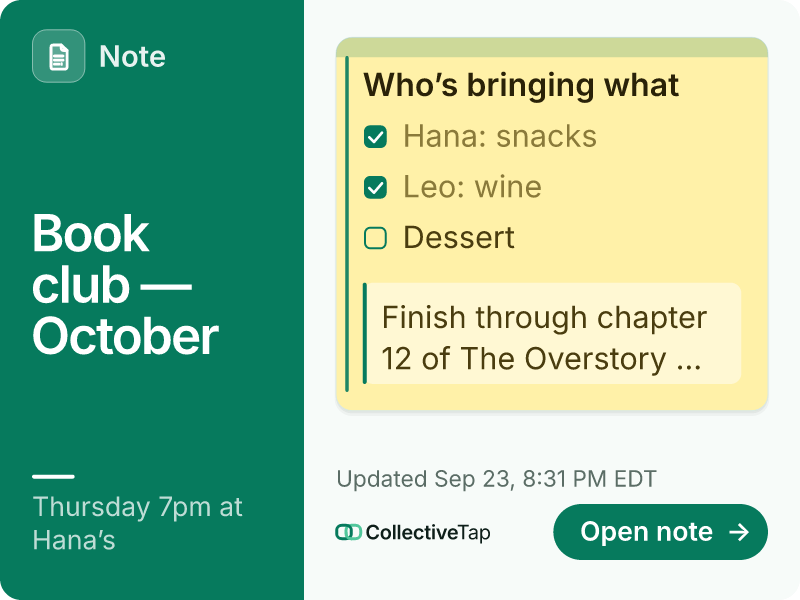
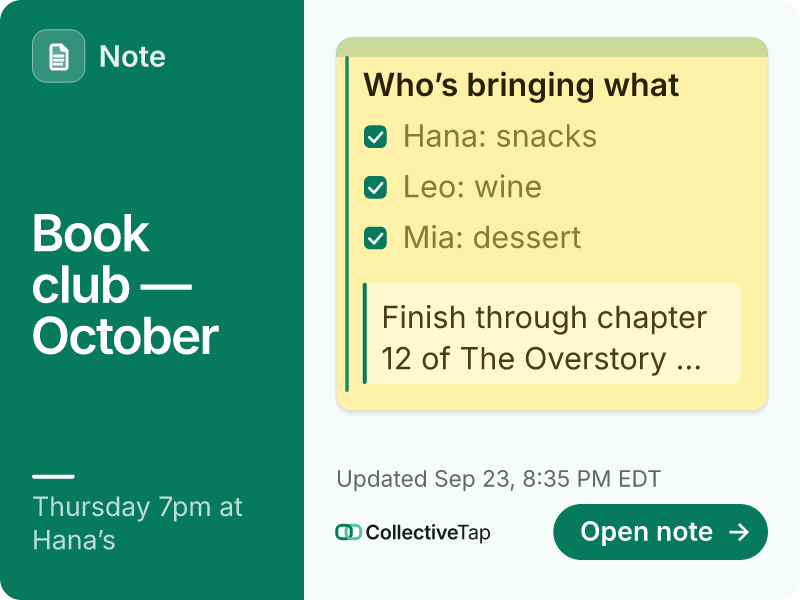
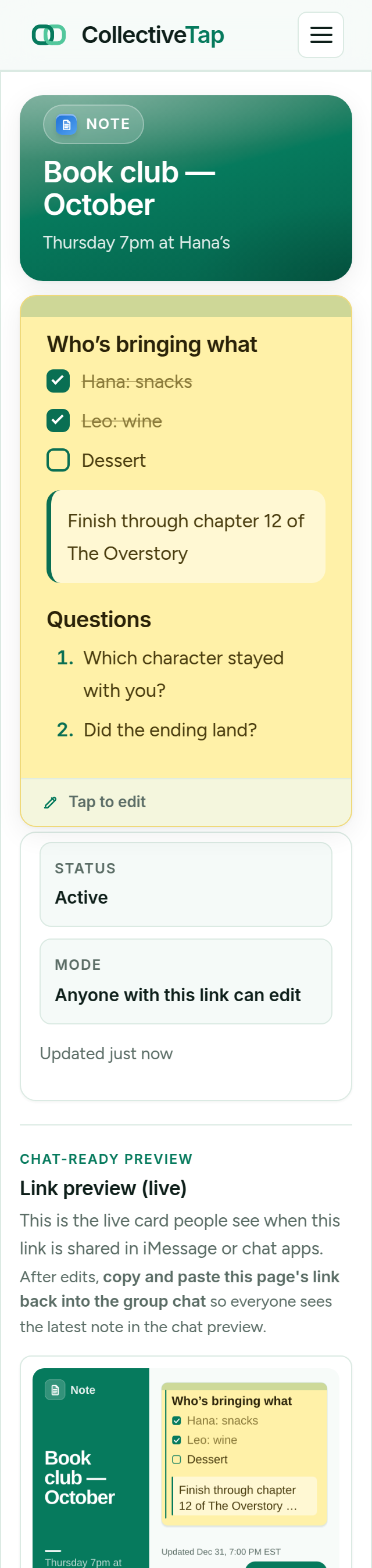
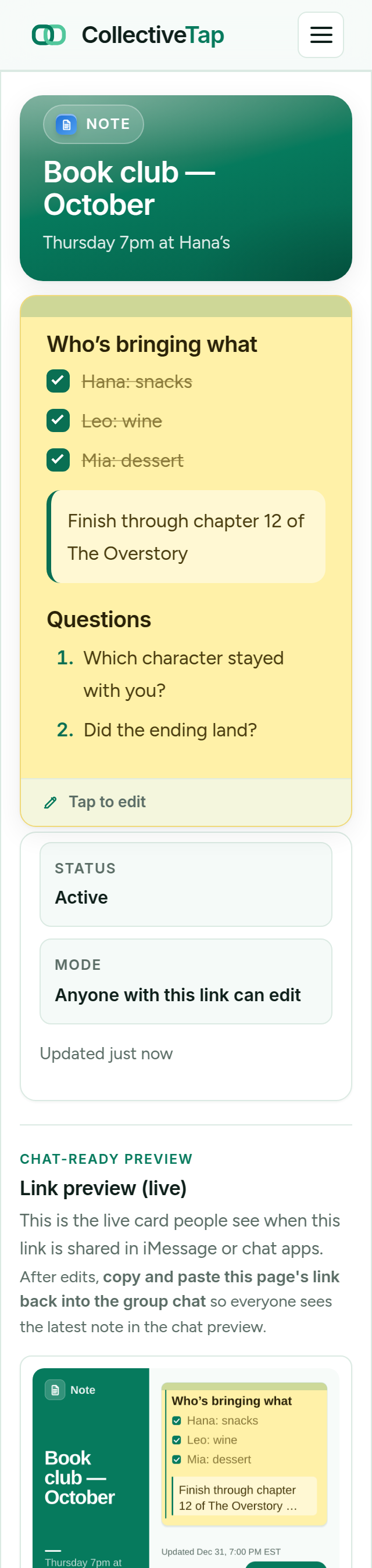
NoteShare the link once. It unfurls into a live card.
Notes that look like you wrote them on purpose
A note can sit on a card beside the accent rail, fill the whole card as a page, or flow through two columns, in any of 15 looks and any colour. Headings, checklists and callouts come through in every one. Here is the same book club note four more ways.
-
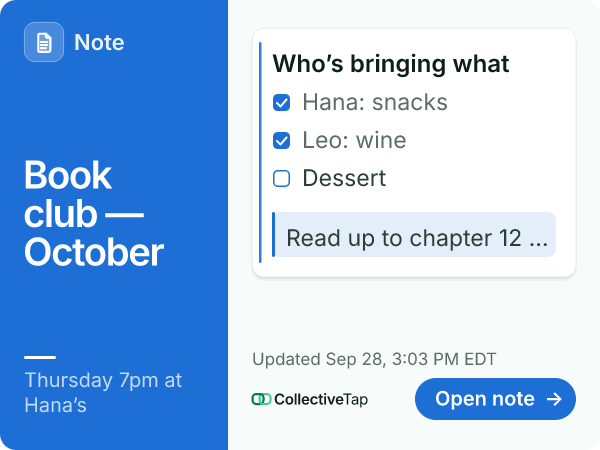
Classic look · Card layout · Blue
The note on a card beside the accent rail.
-
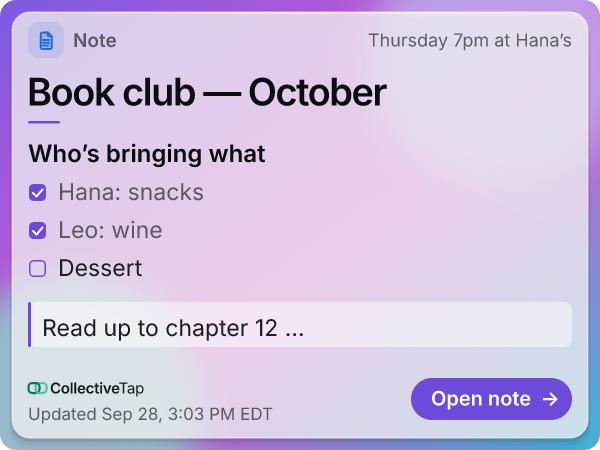
Glass look · Page layout · Violet
The whole card is the page.
-
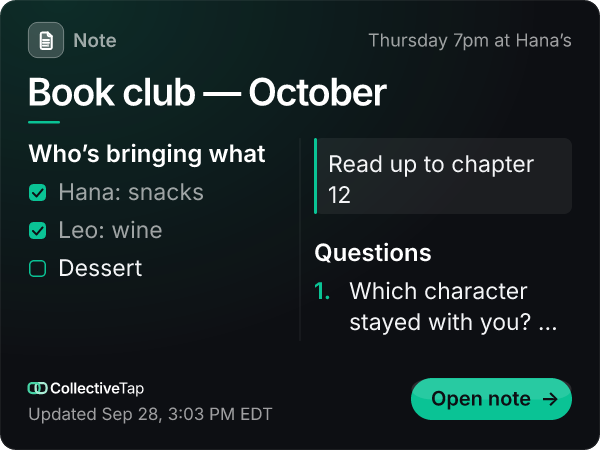
Dark look · Columns layout · Emerald
Two columns, after dark.
-
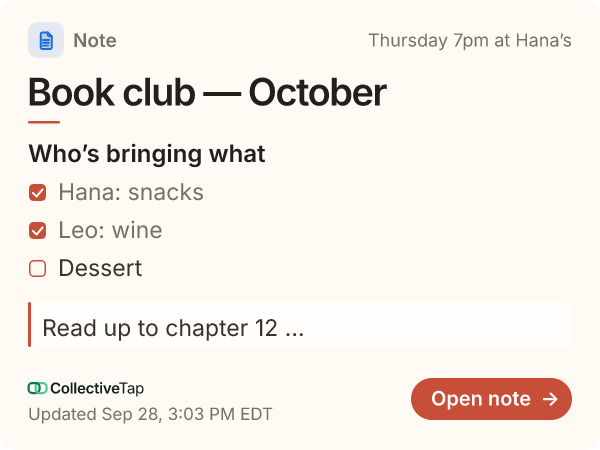
Warm look · Page layout · Coral
The page on warm, creamy paper.
How NoteLink works
A collaborative live note in your group chat in seconds.
Add a title and starting content — or create a blank note and let the group fill it in.
Drop it in any chat. The preview card shows the note title so people know what they're opening.
Anyone with the link can read and update the note. The server keeps the latest version for everyone.
Who uses shared note links
Anywhere a group needs one place to write things down together.
Drop a NoteLink in Slack before a meeting. Anyone can add agenda items or action points — no shared doc permissions needed.
Create one shared note for flights, hotels, restaurants, and itinerary ideas. Everyone in the group adds to it as they research.
Study groups share one note link to build collective revision notes. No one needs a Google account to contribute.
Share a note link for a brainstorm. Participants add their ideas before or during the session — all in one place.
Park the address, parking details, dress code, and gift registry link in a shared note. Everyone in the iMessage thread can open it.
Write a one-page brief, share the link in Slack. Everyone can read it or suggest edits — no Confluence required.
Lighter than Google Docs. No Notion workspace needed.
Tap the link, start typing. No Google account, no Notion sign-up, no permissions to manage.
Works in iMessage, WhatsApp, Slack, and every chat platform. The preview card shows the note title right in the conversation.
For quick group notes, a full document tool is overkill. NoteLink is exactly as heavy as it needs to be.
See whether the note is being read, and whether it is being edited.
NoteLink admin links include Link Insights: how many times the note was opened, how many edits landed, and which apps people came from. How Link Insights works →
A note opened thirty times and edited once is doing its job as a reference. One opened five times and edited twenty is a working draft.
The chart adapts to the age of the note, so a two-hour brainstorm reads per hour and a two-week document reads per day.
Insights never show who opened or edited the note. There are no accounts to tie an edit to, and that is by design.
Frequently asked questions
Can multiple people edit the note at the same time?
Do people need a Google account or Notion workspace?
Is the note content visible in the chat preview?
Can I protect the note so only I can edit it?
Is NoteLink free?
Start writing together.
Create a shared note, share one link. No account needed from anyone.
Create free shared note →