Shared Checklist Link
for Groups
Build a checklist, share one link. Anyone in the group can check items off in real time — no app download, no account, no shared Google doc.
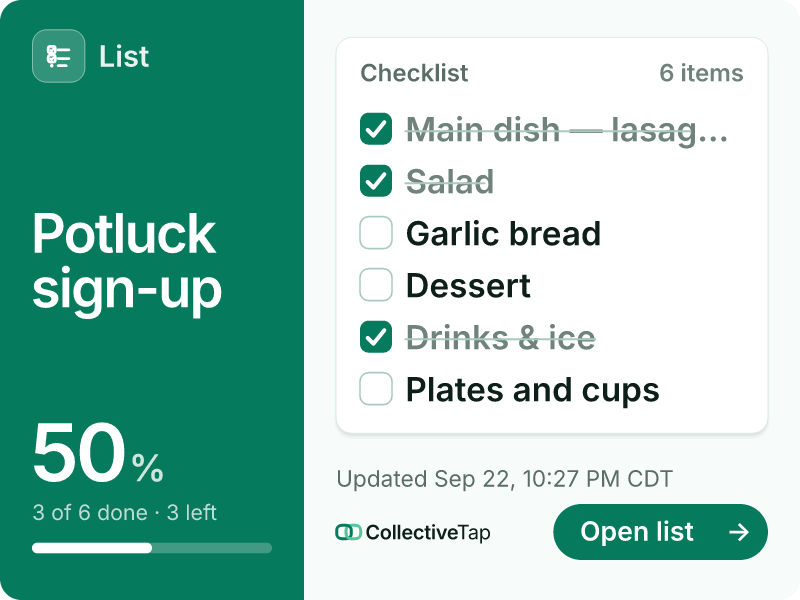
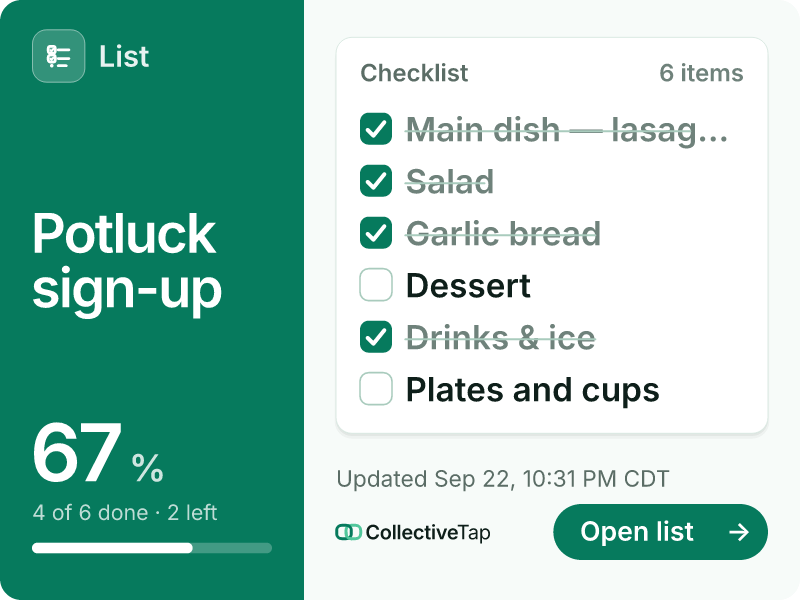
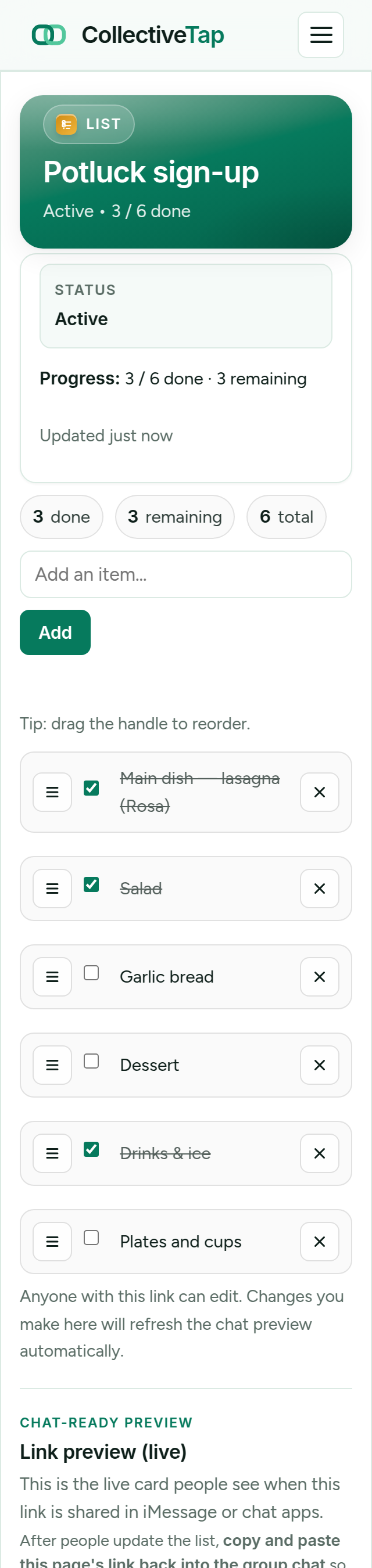
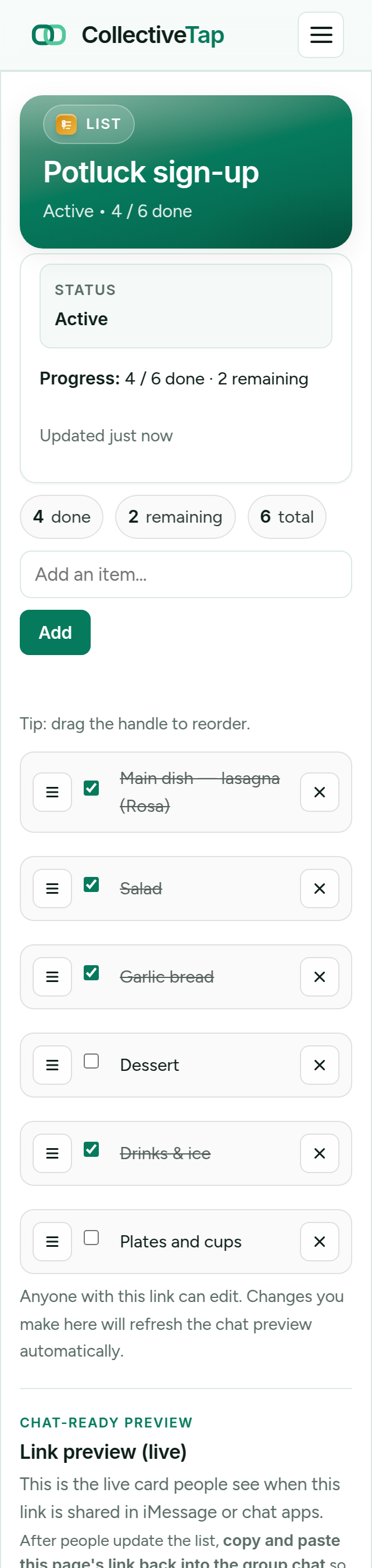
ListShare the link once. It unfurls into a live card.
How ListLink works
A collaborative checklist in your chat in under a minute.
Type each item on the list. You can always add more later from your admin view.
Drop it in any group chat. The preview card shows the list title and how many items are checked off.
Anyone with the link can tap items to check them off. The list stays in sync for everyone automatically.
Who uses shared checklist links
Anywhere a group needs to divide and conquer a list.
Share one packing list with everyone going on the trip. Each person checks off what they're bringing so nothing gets duplicated or forgotten.
Add items throughout the week, share the link with housemates. Whoever gets to the store first sees what's still needed.
Split up who handles venue, food, drinks, and decorations. Everyone checks off their items so the host can see what's done.
Walk through a checklist with your team via a shared link. No Notion template needed — just a link in Slack.
The coach or captain shares a gear checklist before game day. Players tick off what they're bringing.
Who's bringing the turkey? Who's handling dessert? Share the link in the family group chat and assign responsibilities.
Lighter than Google Docs. No Notion account required.
Share the link and the whole group is immediately using the same live checklist. No invite emails, no permissions.
Checked items are saved server-side. Everyone sees the current state when they open the link — no stale data.
The link's chat preview card shows how many items have been checked off, so the group sees progress without opening the link.
Know if the checklist is getting used.
Every ListLink organizer link includes Link Insights so you can see opens, shares, and updates to the list without asking the group. How Link Insights works →
Insights count each time someone adds or checks off an item, separately from how often the list was simply opened.
The timeline makes it obvious when the packing list stopped moving three days before the trip, which is exactly when to post it again.
A share is counted every time a chat app loads the list preview, so you can see when someone passed the link to a second group.
Frequently asked questions
Can multiple people check off items at the same time?
Does anyone need to log in to use the checklist?
Can I add items to the checklist after sharing the link?
What's the difference between ListLink and TaskLink?
Is ListLink free?
Start your shared checklist.
Build the list, share one link, check things off together.
Create free checklist link →