Online call —
RSVP first, then the link appears
The problem with posting a meeting link in a chat is that nobody RSVPs to it. This kind keeps the call link on the page, revealed the moment a guest answers, so the host gets a count and the guests get the link where they will look for it.
What the group sees
Pick Online call and the event is set to Yes / Maybe / No with the online switch on. Paste the Google Meet, Zoom or stream link, set the time, and the card in the chat shows the date, the title and “7 going · 2 maybe”. A guest taps, answers, and the “Join the call” button appears on the page with the link.
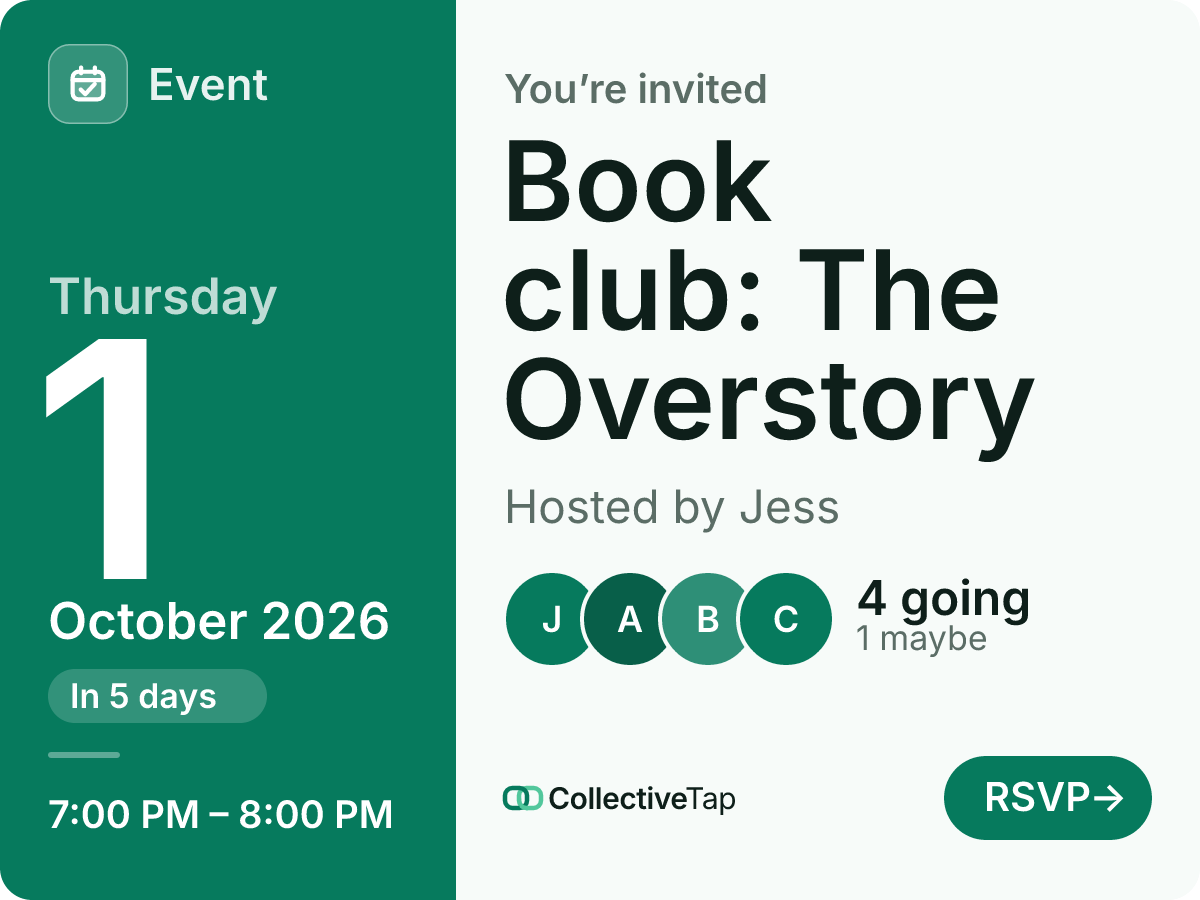
- Yes / Maybe / No
- No cap
- 1 hour
- Online, link after RSVP
- Invite card layout
The page also offers Add to calendar with the real end time and the RSVP link in the notes, so the reminder and the way in are in the same place. For a recurring call, set it to repeat and the same link serves every week.
How to set it up
Yes / Maybe / No answers, the online switch on, no cap, one hour long.
It stays on the page, shown to people who have responded (and to you).
The chat gets the card; guests who RSVP get the call.
What it does for you
Yes / Maybe / No gives you the number and the names, not a guess from who reacted.
Ten minutes before, guests open the page from the card or their calendar and tap Join the call.
The card and the page show the time in your zone with its abbreviation; the calendar invite carries it too.
Online call FAQ
Can the meeting link be public?
Put it in the description if you want everyone to see it; the online switch is for the case where you want an RSVP first.
Can the host see who responded?
Yes, grouped by answer on the page, with a check-in tick on the day.
Does it work for a webinar with hundreds of people?
Yes. There is no cap unless you set one, and the list holds up to 500 names.
Make a online call link.
Free, no account, one link for the group.
Make one like this →