Graduation party invite:
an open house, whole families counted
Grad parties are drop-in affairs. Families come for an hour between two other open houses, grandparents want the address, and the caterer wants a number by Wednesday. This kind is set up for that: one answer per family, up to five guests each, and a count that includes all of them.
What the group sees
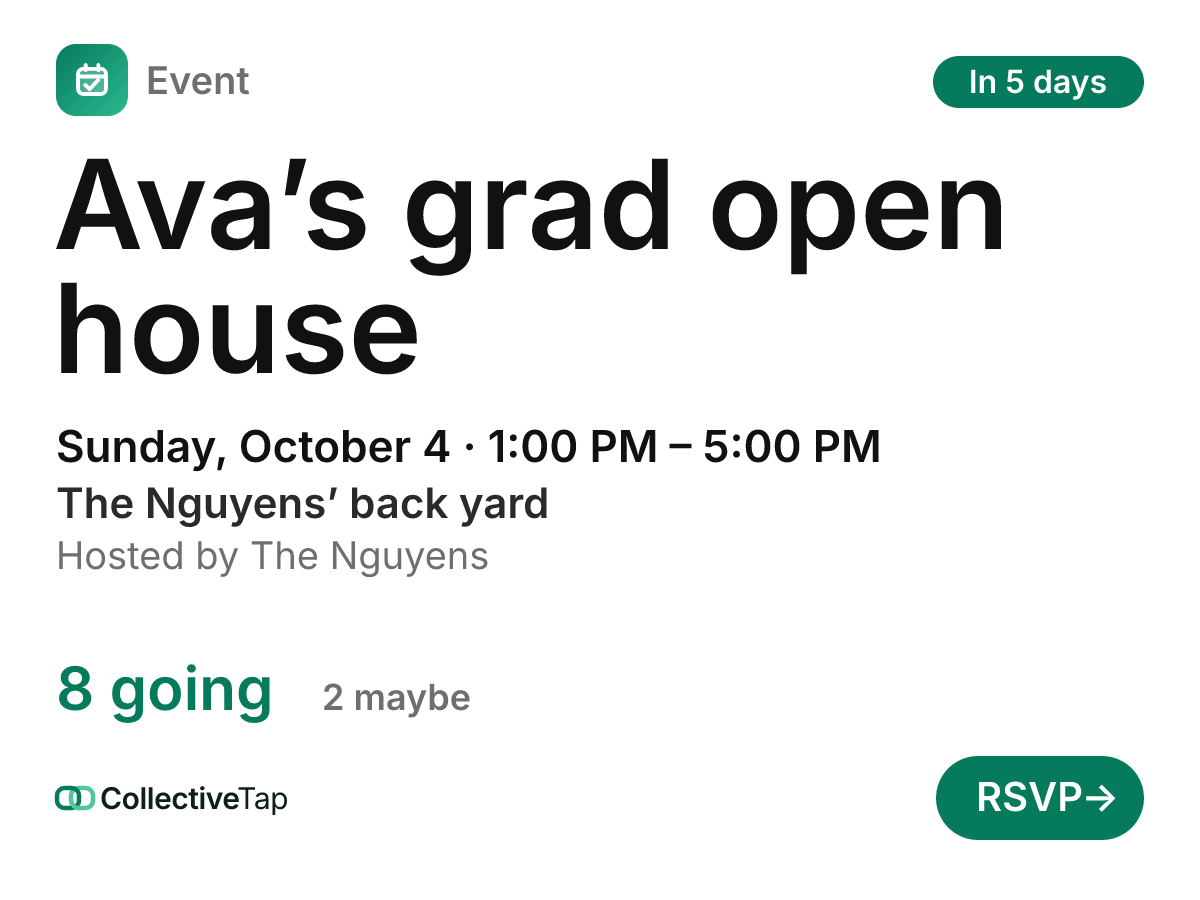
Pick Graduation and the invite opens on the Poster layout in the Paper look, which reads like a printed announcement: the graduate’s name large, the hours on one line, and the tally under it. Guests answer Going, Maybe or Can’t go and add up to five people, so the Parks answer once for the four of them and the card says so. The note for the host catches the useful stuff: “we’ll swing by around 3”, or “Grandpa uses a wheelchair, is there a step?”.
- Going / Maybe / Can’t go
- No cap
- Up to 5 plus-ones
- 4 hours
- Poster layout
Not everyone lives in the group chat, so the invite goes on paper too. The page makes a printable flyer with a QR code, and the same QR fits inside a graduation announcement. Relatives scan it, RSVP on their phone, and add the open house to their calendar with Maps directions to your back yard. The page also has a story image for the graduate to post.
How to set it up
Going / Maybe / Can’t go, up to five guests per answer, the Poster layout in Paper. Pick the colour closest to the school’s.
Say it’s an open house in the title or the description, so people know they can drop by. The page adds Maps and Add to calendar.
The link for the chats, the story image for the graduate’s friends, the QR code for the printed announcements.
A graduation timeline
Grad season stacks up, so send early. Put the QR code on the announcements when they go to print.
Set RSVP by for the day your caterer needs a final number, and share the link once more.
Read the notes. They tell you who’s coming at 1 and who’s coming at 4, which is how you plan the food across the afternoon.
Post an update if you need to (“Parking on Elm, the driveway’s full”). Guests with reminders on get it as a notification.
What it does for you
Up to five guests per answer, counted on the card. “8 going” is eight households you can see by name, not a guess.
The flyer and the announcement carry a QR code to the same page, so a relative who never joined the chat still lands on your list.
An RSVP-by date closes answers when you need a final count, and the card says RSVPs are closed.
Graduation FAQ
Can we do one link for two graduates, or a joint party?
Yes. Put both names in the title, like “Ava and Leo’s grad party”. One link and one count, for however many graduates are celebrating.
Can people see who else is coming?
By default, yes, grouped by answer. Turn on Hide attendee names if you’d rather show only the count.
Does the QR code work in a printed announcement?
Yes. Download the flyer or the QR from More ways to share on the page. The code opens the invite, and it keeps working as long as the link is in use.
Can I collect money for a gift or a grad fund?
The invite doesn’t take payments. For a group gift from friends, a Split link tracks who has chipped in, and a Hub keeps it next to the RSVP.
Make a graduation link.
Free, no account, one link for the group.
Make one like this →